How to make a PowerPoint Presentation step by step?
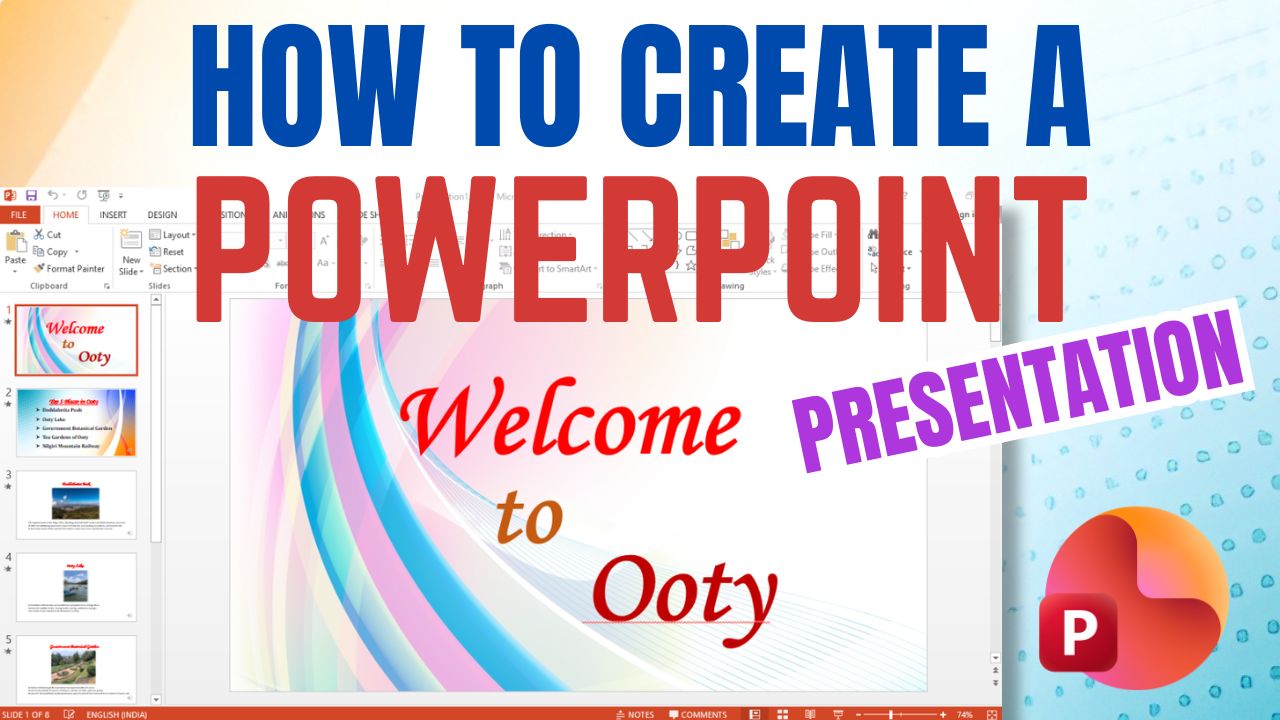
How to make a PowerPoint Presentation step by step

Friends, in today’s blog, we will learn how to create a PowerPoint presentation. While there are many software options and online tools available for creating presentations, MS PowerPoint is the most widely used; today, we will learn how to create a presentation using it. MS PowerPoint offers superior customization capabilities compared to other software—allowing you … Read more
How to Make A Poster in Canva?

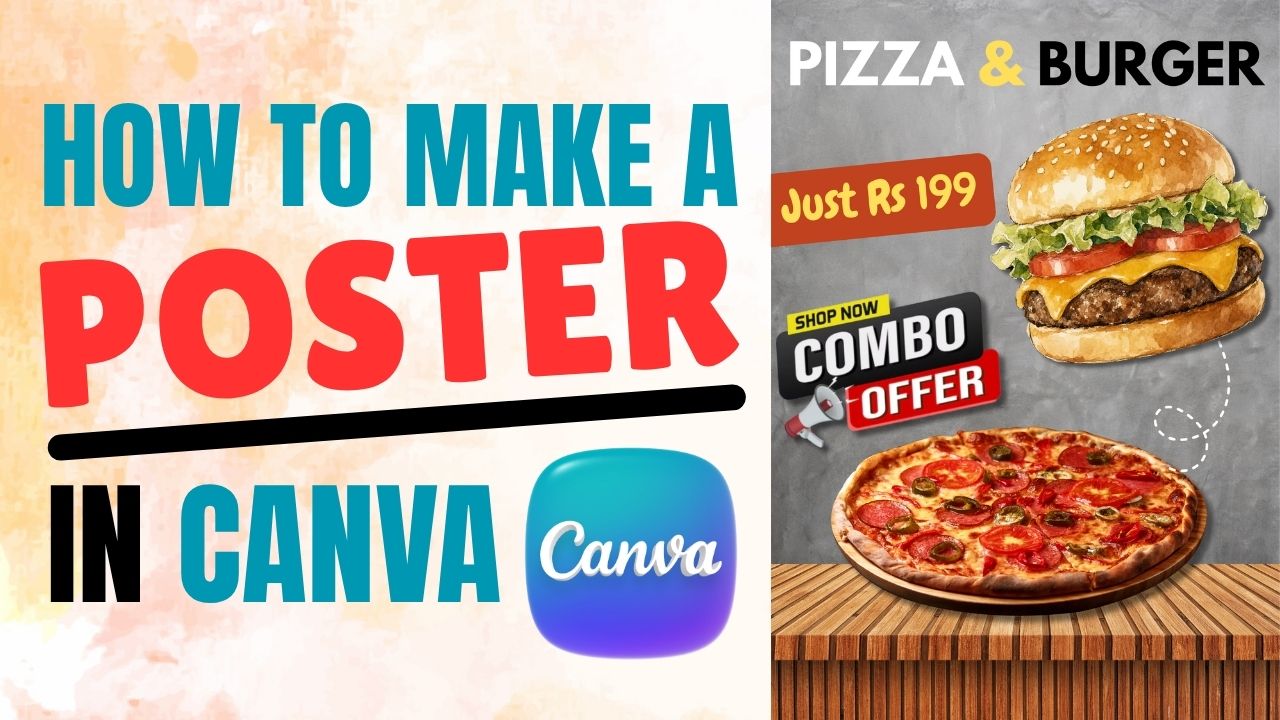
How to Make A Poster in Canva?

Friends, in today’s blog, we will learn how to create a poster in Canva. Even if you have just a basic understanding of Canva, you can create a great-looking poster design. While you can design posters using various applications, Canva allows you to create designs that look truly professional. Although posters are often created using … Read more

How to Make Flyer Design In Canva?

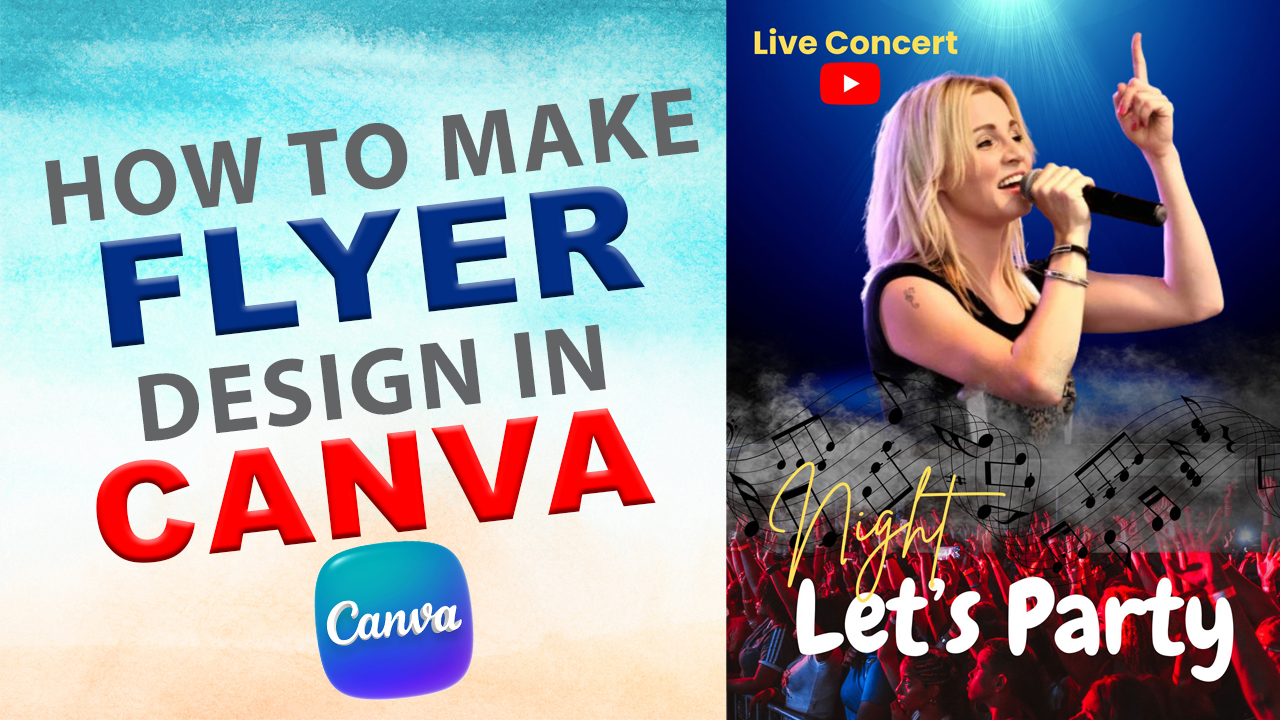
How to Make Flyer Design In Canva

Friends, in today’s blog, we will learn how to design a flyer in Canva. Even if you have just a basic understanding of Canva, you can create a great-looking flyer design. While you can create flyers using various applications, Canva allows you to design flyers that look truly professional. Although flyers are often created using … Read more

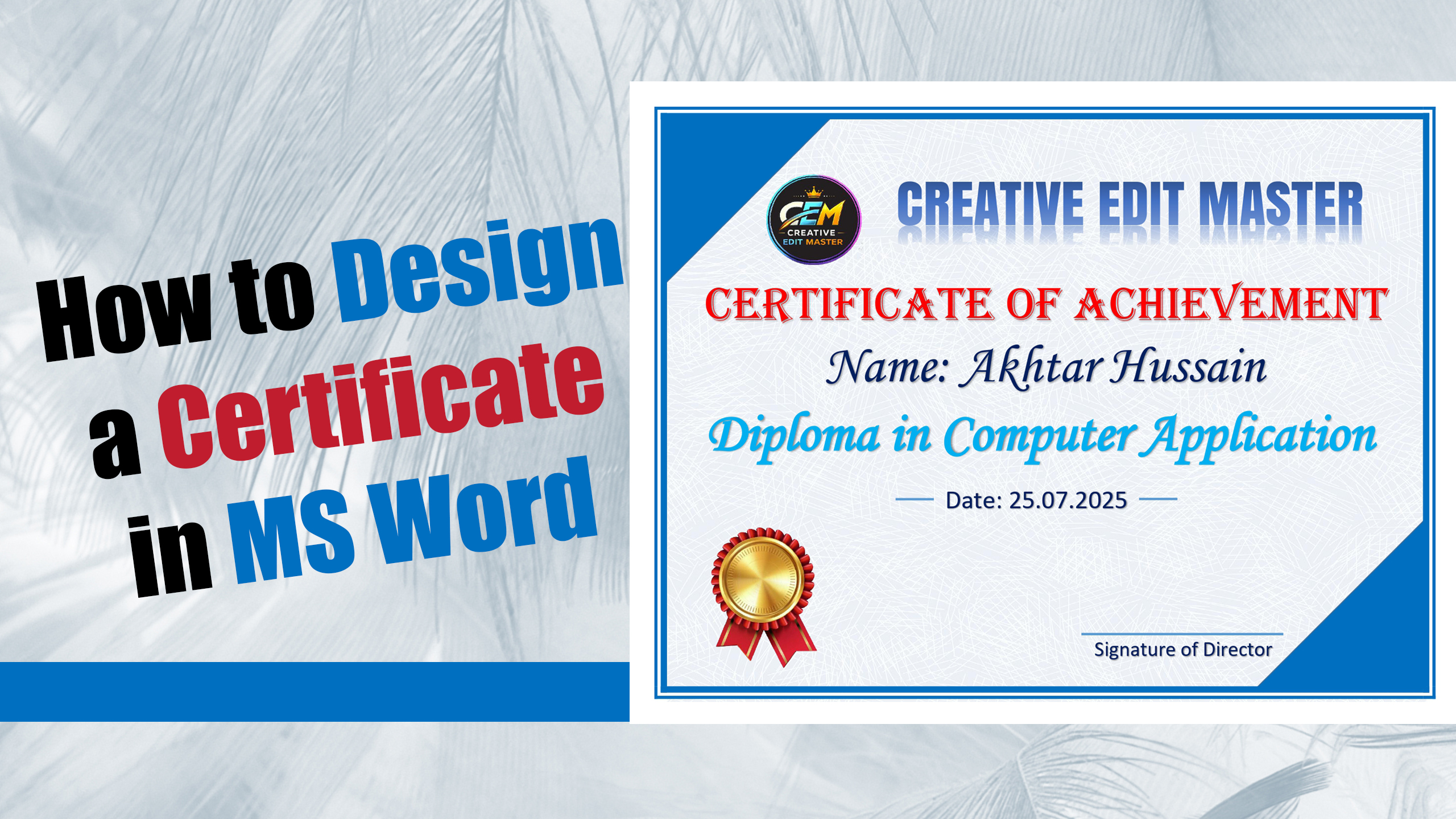
How to Make a Certificate Design in MS Word

How to Design a Certificate in MS Word

Friends, in today’s blog, we will learn how to design a certificate in MS Word. While there are many software programs available for creating certificates—and they can also be made online or using tools like CorelDRAW or Photoshop—today we will focus on creating one in MS Word. Just like other specialized software, MS Word allows … Read more

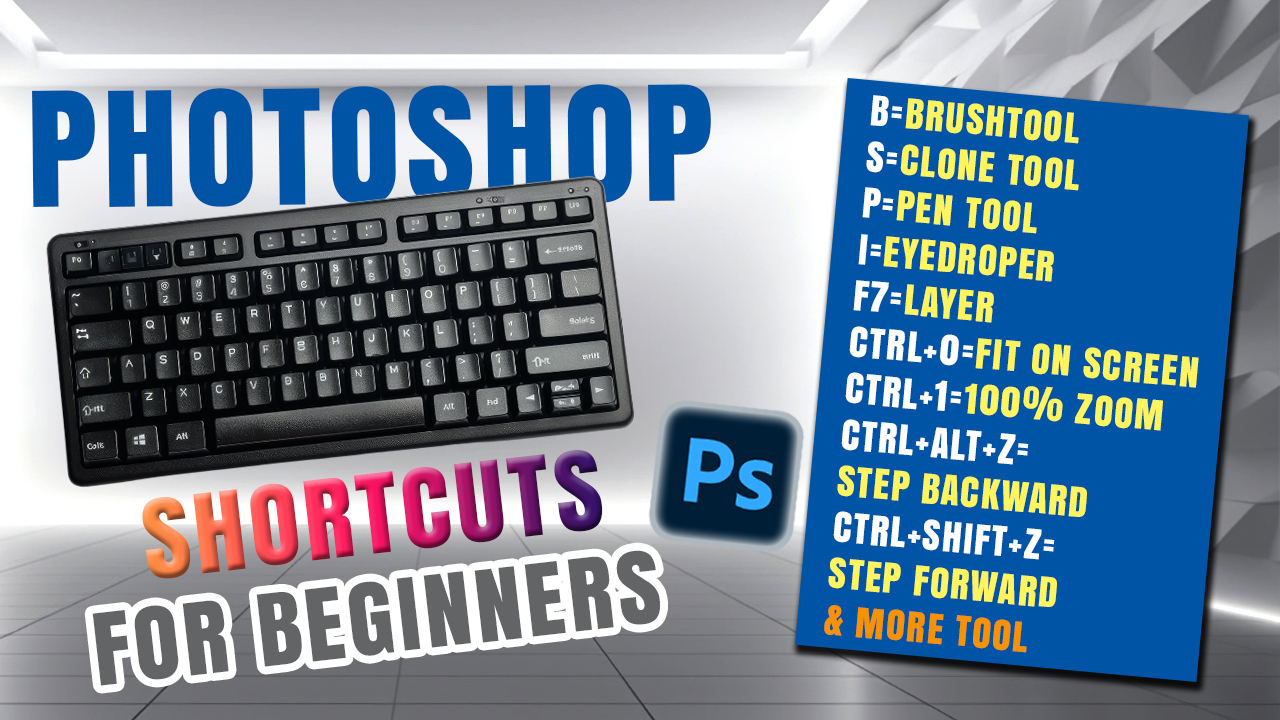
Photoshop Keyboard Shortcuts for Beginners

Photoshop Keyboard Shortcuts for Beginners

Friends, in today’s blog, we will learn about Photoshop keyboard shortcuts for beginners—specifically, how to use shortcut keys in Photoshop. We will cover some of the most important shortcuts; while there are many available, we will focus on the ones that are essential and widely used by professionals. We will be using the Photoshop software … Read more

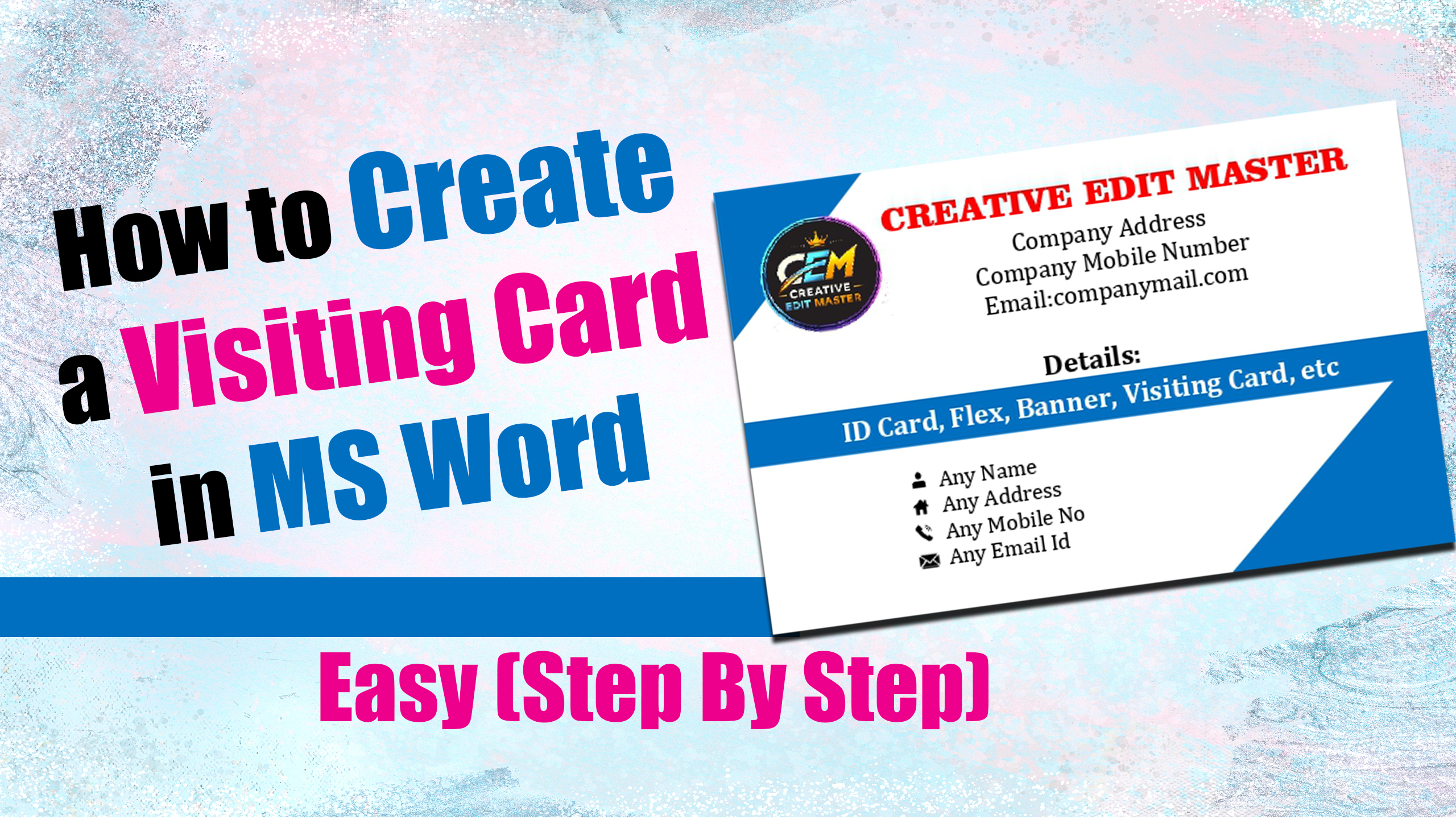
How to Create a Visiting Card in MS Word

How to Create a Visiting Card in MS Word

How to create a visiting card in MS Word. While there are many software options and online tools available for creating visiting cards—and they are often designed using CorelDRAW or Photoshop—today we will learn how to make one in MS Word. Just like in other software, MS Word allows for extensive customization, such as creating … Read more

How to Make a Youtube Thumbnail in Photoshop?

How to Make a Youtube Thumbnail in Photoshop

Today we will learn how to create a YouTube thumbnail in Photoshop. Even if you have only basic knowledge of Photoshop, you can create a great-looking thumbnail. While you can create YouTube thumbnails using various applications, Photoshop allows you to make the best ones—giving them a truly professional look—thanks to the wide range of options … Read more

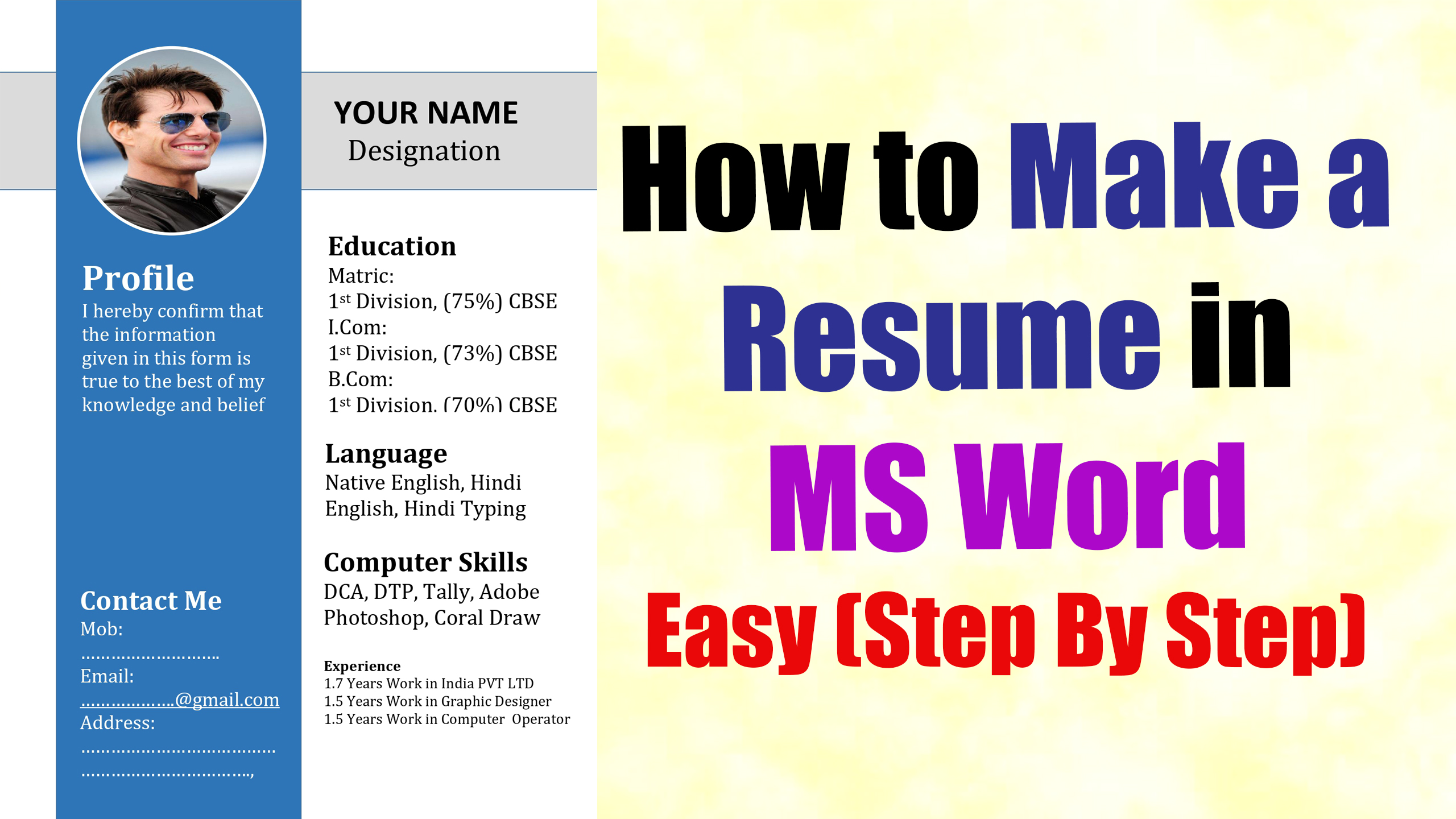
How to Make a Resume in MS Word

How to Make a Resume in MS Word

Friends, in today’s blog, we will learn how to create a resume in MS Word. While there are many software options and online tools available for creating resumes, today we will focus on creating one using MS Word. MS Word allows for extensive customization—similar to specialized design software—enabling you to create shapes and curved designs, … Read more

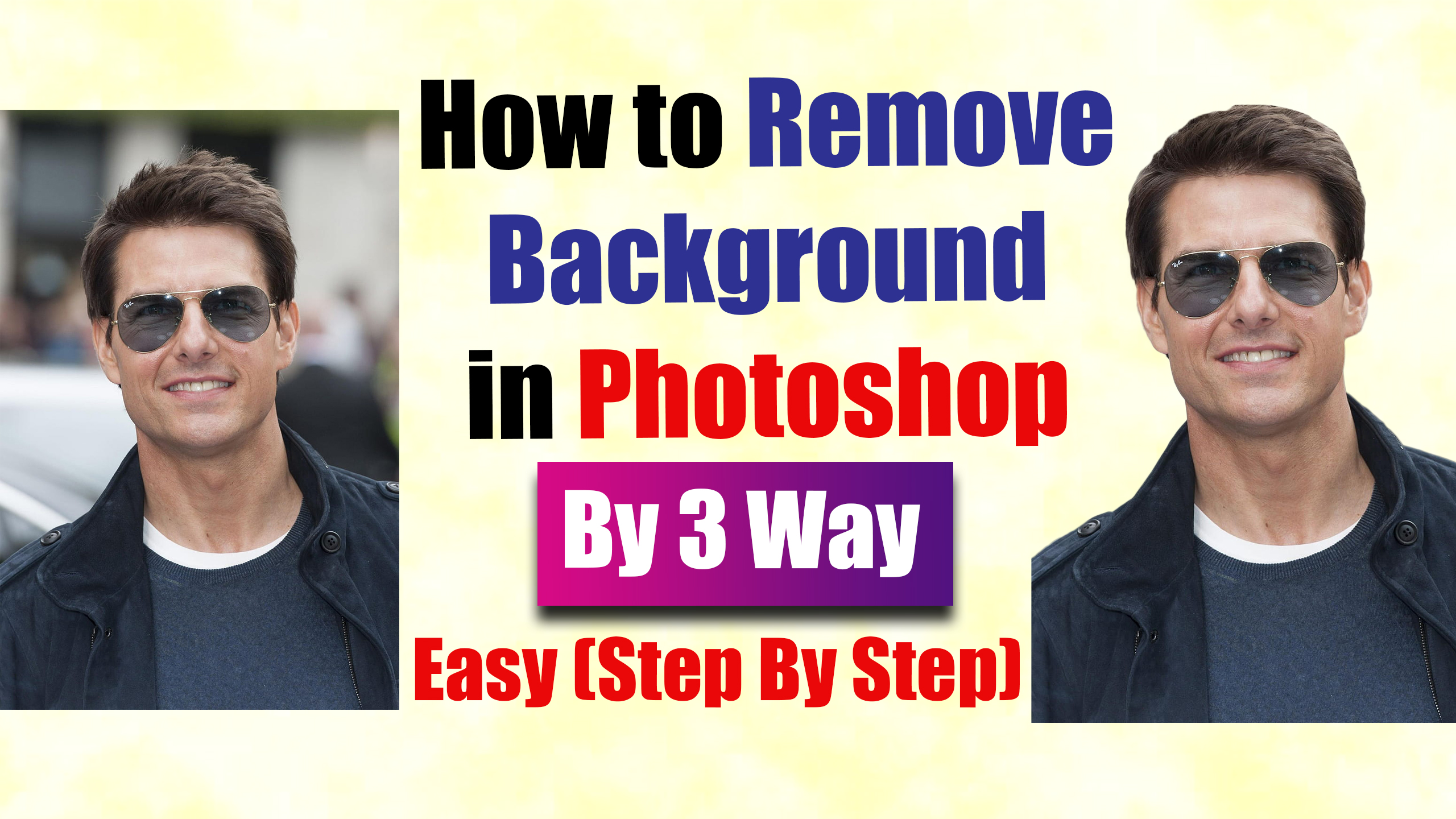
How to Remove Background in Photoshop

How to Remove Background in Photoshop

Friends, in today’s blog, we will learn how to remove the background of any image in Photoshop with great precision. We will perform the cutout meticulously, ensuring the edges are perfectly defined. We will use three different methods—or rather, three specific tools—to achieve this. These tools are: 1) Subject Selection, 2) Pen Tool, and 3) … Read more

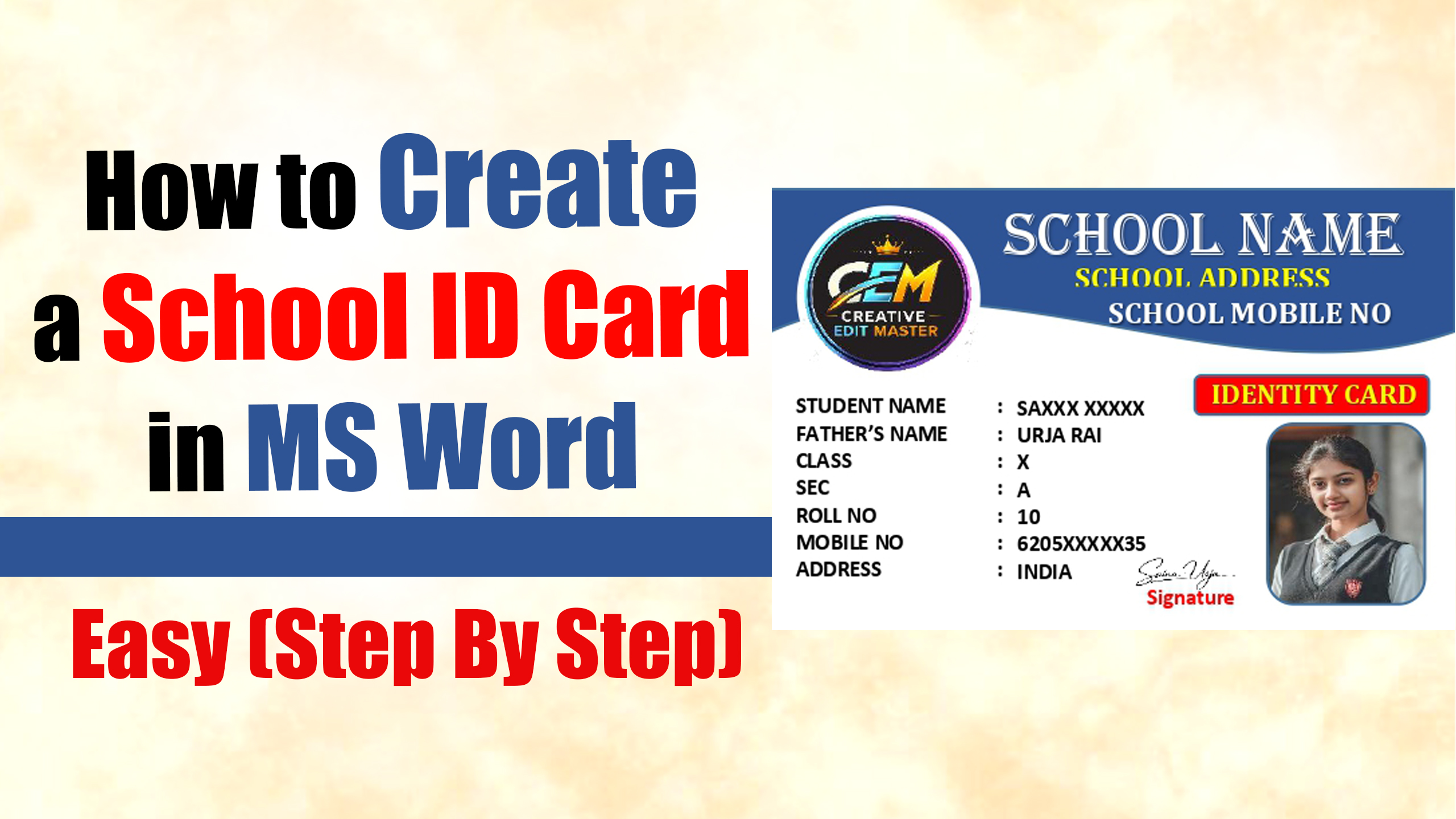
How to Create a School ID Card in MS Word

How to Create a School ID Card in MS Word

Today’s we will learn how to create a school ID card in MS Word. While there are many software options and online tools available for making ID cards—and they are often created using CorelDRAW or Photoshop—today we will focus on creating one in MS Word. Just like other software, MS Word allows for extensive customization, … Read more